What Is an AI Agent? A Plain-Language Guide for Business Owners
In 40 seconds: An AI agent is software that understands a request in plain language, looks the answer up in your own content, and takes an action — booking a slot, opening a CRM lead, escalating a case. Unlike a chatbot, it does not follow a decision tree you drew. It reasons over a knowledge base you fed it, and it has tools it can call. Think “reasoner with hands,” not “flowchart with a chat window.”
Key takeaways
- An AI agent does three things in order: understands, looks up, acts.
- A chatbot is a decision tree with a chat UI. An agent is a language model plus tools, memory, and a goal.
- Five capabilities define a real agent: NLU, knowledge retrieval (RAG), tool use, memory, and clean escalation.
- It pays off above roughly 60–80 conversations a month, when questions are varied and you already have content to feed it.
- Below that volume, a classic chatbot or a good FAQ page is cheaper and good enough.
You probably hear “AI agent” attached to every product launched in 2026 — chatbots, macros, even simple if-then rules. Most owners we sit with want a clean answer: what is this thing, what does it actually do, and is it different from the bot the same vendor was selling last year.
This is the short version, no buzzwords. By the end you will know what counts as a real AI agent and how to spot the difference when a salesperson is across the table. If you already know you want one for your channel, jump to our AI agent service page.
What is an AI agent, exactly?
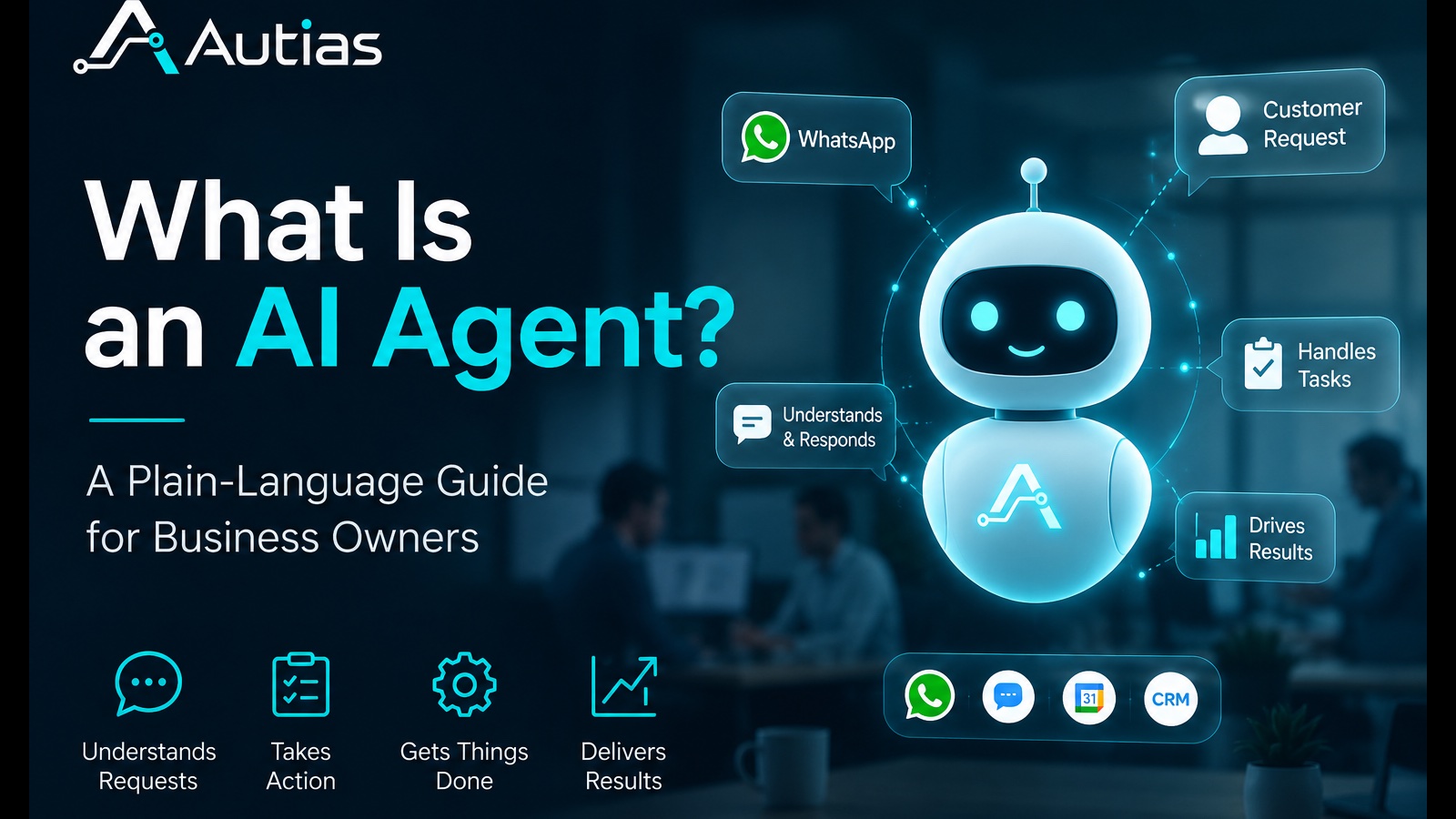
An AI agent is software that does three things in sequence:
- Understands a request in natural language.
- Looks something up — in a knowledge base, a database, a calendar, a CRM.
- Takes an action — answers, books, escalates, updates a record.
The shorter definition used by most engineering teams in 2026: an AI agent is a large language model wired up with tools, memory, and a goal. The model is the brain. The tools are how it touches the outside world. The goal tells it when it is done.
That sequence — understand, look up, act — is what separates an agent from a chatbot. A chatbot mostly does step 1, badly. An agent does all three.
Where did the term “AI agent” come from?
The current usage was popularised by research and engineering teams at Anthropic, OpenAI, and Vercel in 2024–2025, as language models became reliable enough to chain several steps without supervision. Before that, “AI” mostly meant a single prompt, a single answer. The word agentic appeared to describe systems that take several steps on their own — call an API, read the result, decide what to do next.
The etymology is not what matters. What matters is that the tooling crossed a threshold in the last two years, and reasonable AI agents are now achievable for a small clinic or law firm — not just an enterprise budget.
How is an AI agent different from a chatbot or RPA?
Short version: a chatbot follows a decision tree you drew. RPA replays clicks you recorded. An AI agent reasons over a knowledge base you fed it.
We have a longer side-by-side breakdown in AI agent vs. chatbot, but here is the comparison that matters for this article:
| Chatbot | AI agent | RPA bot | |
|---|---|---|---|
| Brain | Decision tree (if-then) | Language model + knowledge base | Recorded script |
| Unexpected question | Falls back to default | Tries to answer in context | Breaks |
| Can take actions | Sometimes (rigid) | Yes — booking, lookups, CRM writes | Yes — only the recorded ones |
| Maintenance | Rewrite the tree | Update the knowledge base | Re-record the flow |
| Best for | Simple, repetitive flows | Real conversations | Repetitive back-office tasks |
If you remember one thing: a chatbot is a flowchart with a chat interface; an AI agent is a reasoner with hands; RPA is a macro for your back office.
What can an AI agent actually do?
When you evaluate a vendor, these five capabilities are what to look for. If three or fewer are present, you are looking at a chatbot wearing a new label.
1. Natural language understanding
The agent should handle the question your customer actually types — typos, slang, half-sentences, mixed languages. A customer who writes “is it ok after surgery??” should get the same answer as one who writes the full grammatical version.
2. Knowledge retrieval
The agent looks up answers in your content — the website, the FAQ, internal procedures, the price list. This is usually done with retrieval-augmented generation (RAG). The output is grounded in your facts, not in whatever the underlying model happened to learn in training.
3. Tool use
The agent can call external tools: read a calendar, create a CRM lead in Powerlink or Fireberry, send a confirmation, look up an order status in Shopify or Wix. This is the step most “AI” products on the market still fake.
4. Memory and context
Inside a conversation, the agent remembers what was said two messages ago. Across conversations, it can recall that this customer already asked about prices last week. Memory turns a one-shot Q&A into something that feels like a relationship.
5. Escalation and limits
A good agent knows when to stop. When a question is high-stakes (medical, legal, financial) or outside its competence, it hands off cleanly to a human, with the full transcript attached. An agent without an escalation rule is a liability, not an asset.
For how these connect to WhatsApp specifically, see our WhatsApp automation service page.
Two concrete examples of an AI agent at work
Abstract definitions are easy to nod along to. Here is what it looks like when an agent is doing real work.
Example 1 — a physiotherapy clinic on WhatsApp
A patient messages the clinic at 22:40 on a Wednesday: “Hi, I’m 6 weeks post knee surgery, my surgeon said I can start physio — do you have someone for this and how soon can I come in?”
A classic chatbot offers a menu: [book appointment | prices | location]. The patient ignores it and writes again. No one is in the office. The lead cools.
The AI agent:
- Recognises the message as a fit-check plus a scheduling intent.
- Pulls from the knowledge base that the clinic has a therapist specialised in post-surgical rehab.
- Replies in context: “Yes — we have a therapist who works specifically with post-op knee rehab. Earliest slots this week are Thursday 09:00 or Friday 14:00. Want me to hold one for you?”
- If the patient says yes, the agent creates a draft appointment in the calendar and a lead in the CRM with a “post-op knee” tag.
- In the morning, the front desk confirms the slot in 30 seconds.
The clinic captured a lead at 22:40 that would otherwise have shopped around overnight.
Example 2 — a law-firm intake
Someone sends a WhatsApp at 19:00: “My employer fired me without notice after 4 years, is there anything I can do?”
A chatbot drops a menu. The agent does intake. It asks two or three qualifying questions (employment type, severance status, when this happened), checks the knowledge base for which lawyer in the firm handles wrongful dismissal, and offers a paid 30-minute consultation slot for the next day. The transcript becomes the first page of the case file.
This is the part most firms get wrong: they buy automation thinking it replaces lawyers. It does not. It replaces the dead time between the message arriving and someone qualified opening it.
When does an AI agent make sense for a business?
A real AI agent makes sense when most of these are true:
- Inquiry volume is meaningful — at least 60–80 conversations a month. Below that, setup cost is hard to recoup.
- Questions are varied — customers ask things you cannot fully predict.
- You have content — a website, FAQ, procedures, a catalog. The agent needs something to learn from.
- WhatsApp or web chat is your main channel — this is where SMBs actually meet customers in 2026.
- You lose leads after hours — most clinics and service firms do.
If your volume is low and the questions are all “what are your hours” — a classic chatbot or a static FAQ page is cheaper and good enough.
Common pitfalls when adopting an AI agent
Five mistakes we see often, in order of how much they cost:
1. Skipping the knowledge base
The agent is only as good as what you feed it. Treating the knowledge base as a 30-minute task is the single biggest reason deployments underperform. Plan for 3–7 working days of real content work.
2. No escalation rule
An agent that confidently answers a medical or legal question it should not is worse than no agent. Define what gets handed off and to whom, before launch.
3. Buying a “chatbot in AI clothing”
If the vendor cannot answer “does it learn from my knowledge base or do I script scenarios?” — assume scripts. If the monthly price is ₪80–150 and they call it AI, it is almost certainly a chatbot relabeled.
4. Treating it as set-and-forget
The knowledge base needs updates when prices change, services launch, or staff turn over. Budget a small monthly maintenance window. This is still much cheaper than rewriting a decision tree.
5. Hiding that it is an AI
Customers are pragmatic about AI in 2026. Most do not mind talking to one. They do mind feeling tricked. Transparent labelling (“you are speaking with our AI assistant — a human is on standby”) usually improves trust, not the opposite.
People also ask
Is an AI agent the same as ChatGPT?
No. ChatGPT is a general-purpose chat product built on top of a language model. An AI agent is a specific deployment of a model — wired up to your knowledge base, your tools, and a defined goal (book a slot, qualify a lead, answer a price question). The same underlying model can power both, but a business agent is configured, scoped, and connected to your stack.
How long does it take to deploy an AI agent?
For a single channel (WhatsApp or web chat) with a defined scope, a working pilot is usually 2–4 weeks. Most of that is content work — assembling the knowledge base, writing the escalation rules, deciding which CRM and calendar actions are in scope. The model and integration plumbing is the smaller half of the job.
Do AI agents replace human staff?
Rarely the way owners assume. In our deployments, the agent absorbs first-line questions and after-hours inquiries — the work nobody was getting to anyway. Qualified humans handle the conversations that need them, with the agent’s transcript already attached. Headcount usually stays the same; throughput goes up.
How much does an AI agent cost?
Total cost of ownership depends on volume, channels, and the complexity of your tools. As a rough sanity check: if a vendor quotes you ₪80–150 per month and calls it an AI agent, it is almost certainly a relabeled scripted chatbot. Real agents — with RAG, tool use, and escalation — cost meaningfully more, and pay back through leads that would have cooled overnight.
Key takeaways
- An AI agent understands, looks up, and acts — three steps, not one.
- It is not a chatbot with a new label. The five tell-tale capabilities are NLU, retrieval, tool use, memory, and escalation.
- It earns its keep when volume is real, questions are varied, and you have content to feed it.
- The knowledge base is the project — not a side task.
- Transparent labelling beats hiding that it is AI.
So — what is an AI agent, in one sentence?
An AI agent is software that understands a customer in natural language, looks up the answer in your content, and takes an action on your behalf — without a decision tree, and without you being awake.
If you want the longer comparative view, read AI agent vs. chatbot. If you already know you want one for your WhatsApp, our AI agent service page breaks down what we build and how.
Ready to see one running on your own knowledge base? Book a 20-minute demo — we will show you what an AI agent does with your real FAQ and a sample lead.